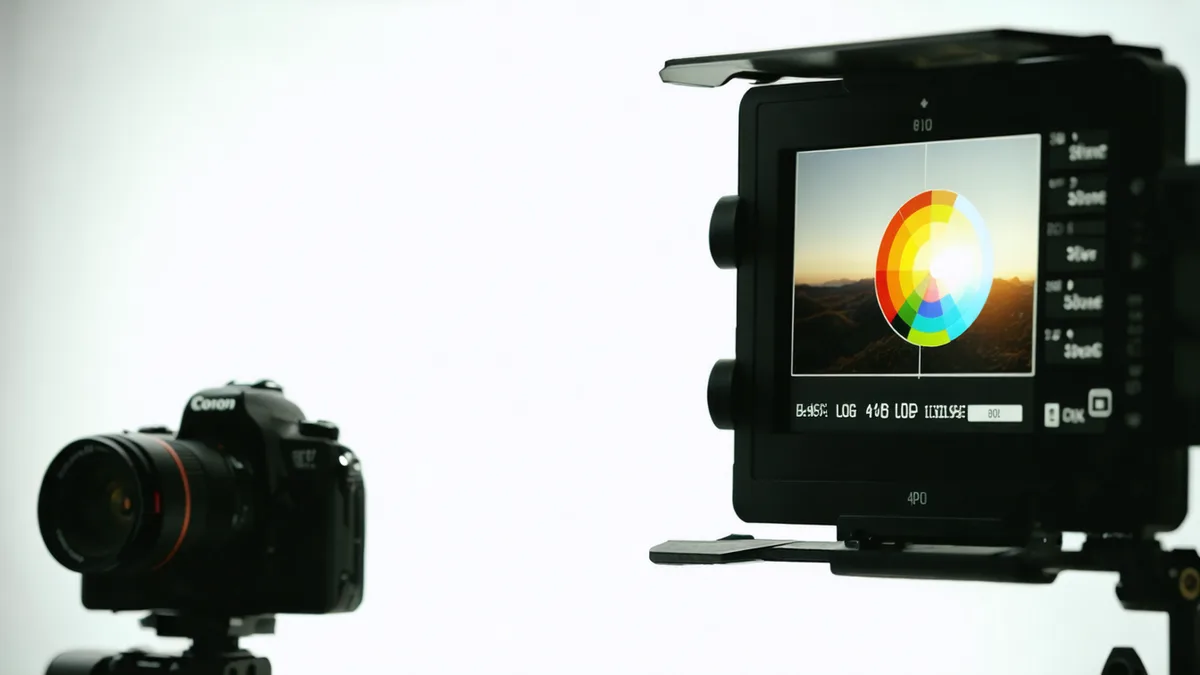
Renting a camera you've never shot on before introduces a variable most colorists don't want to talk about: inconsistent LOG exposure. You get three days with an ARRI ALEXA Mini LF or a RED KOMODO-X, you shoot beautifully, and then you sit down in DaVinci and realize every scene has a different midtone placement because you kept second-guessing your ETTR targets. The fix isn't a better grade — it's smarter decisions on set.
This is especially relevant in Copenhagen's P2P rental ecosystem, where you're often working with a camera body borrowed from another filmmaker rather than a rental house that hands you a tested package with its own LUT stack. You need to build your color pipeline before you ever press record — and that work happens before you pick up the gear.
Know the LOG profile you're actually shooting
Not all LOG is created equal, and the differences matter at the grading stage. ARRI LogC3 has a very different characteristic curve from Sony S-Log3, which sits differently again from RED's IPP2 workflow. The mistake most renters make is assuming LOG is LOG — expose to the right, preserve highlights, fix it later. That thinking works until you're intercutting between two cameras where one LOG clips at 800% while the other holds detail at 1600%.
Before your rental window opens, look up the specific LOG profile the camera uses and find its nominal exposure index. For S-Log3 on a Venice or FX9, the manufacturers recommend shooting at EI 800 as a baseline. For ARRI LogC3, most DPs land at the camera's native ISO. These aren't suggestions — they're the ISO points where the noise floor and highlight rolloff are designed to sit, and where manufacturer-provided IDTs expect the signal to be when you transform it into a working color space.
If the lender has configured a custom LUT on the monitor output, ask about it before the shoot. You want to know whether the on-set image reflects a standard transform or something the lender dialed in themselves. If it's the latter, make sure you have the corresponding LUT file, or switch the monitor to a known standard like ARRI's LogC-to-709 or Sony's S709.
Nail your white balance discipline before day one
The single fastest way to add time to a grade is inconsistent white balance. When every interior scene has a slightly different camera-set Kelvin value, a colorist has to handle each clip individually rather than gang-correcting a full scene. On a short film with a 3-day rental and 12 shooting hours, that inconsistency can double post time.
The fix is unglamorous: pick a white balance value and commit to it per lighting condition. For tungsten practical interiors, 3200K. For daylight exteriors, 5600K. For mixed fluorescent office light, find the dominant source and set it once. On set, use the same measurement every time you move to a new setup — don't eyeball it and adjust on the monitor.
If you're shooting on a camera with a fixed white balance in LOG (some REDs and certain Sony bodies have recommended locked WB targets), use the reference grey card method: shoot a frame of your grey card under the primary light source, note the RGB parade values, and write them down. That frame becomes your colour reference when you open DaVinci a week later and can't remember what the Nørreport Metro station lights actually looked like.
Shoot a calibration reference on the first setup of every day
A DSC Labs or X-Rite ColorChecker chart costs nothing to rent alongside the camera — Wedio lenders who own cinema packages often include one — and five seconds of shooting it saves 30 minutes in post. The process: at the start of each filming day, on the first lighting setup you'll actually use, put the chart in frame and shoot 10 seconds. Don't move the chart, don't change the light. That's your colour science anchor for that day.
In DaVinci, you can use the Color Match function to auto-generate a primary correction from the chart frame, then ripple that correction to every clip from that day's shoot. It won't give you a finished grade, but it normalises the starting point across all clips and means you're making creative decisions rather than technical repairs.
On a rental timeline, where you may be working with a camera that was used on someone else's project the day before yours, the chart also catches any accidental in-camera calibration drift. We've seen lenders return cameras from previous rentals with colour temperature offsets left enabled in the menu. A reference chart at the start of day one catches this before it ruins a whole batch of footage.
Protect your highlights more than you think you need to
The conventional wisdom is to expose to the right in LOG — push the signal toward the top of the histogram to maximise signal-to-noise ratio. That's correct, but on a rental where you don't have two days to test the camera's actual clip point, it's better to leave one stop of headroom above your most important highlight than to push hard and discover in post that the sky or a practical lamp has been clipping in RAW since scene one.
With ARRI sensors, you can push quite far because the highlight rolloff is gradual and the clip is recoverable from RAW. With Sony sensors in S-Log3, the story is similar. With some RED configurations, particularly in lower-quality raw compression modes, the clip is harder and less recoverable. If the lender is using a compressed raw codec to save card space, test the highlight ceiling in your first lighting condition before you commit to a heavy ETTR approach.
A practical rule: if you're shooting somewhere with a wide dynamic range — say, a Copenhagen waterfront on an overcast afternoon where the sky is still much brighter than the foreground — use the zebras at 90% IRE and keep highlights under them. You'll have more shadow noise to manage in post, but shadow noise is fixable. Clipped highlights in a raw file are not.
Plan your LUT pipeline before post begins
Renting a camera for three days and then immediately cutting to a five-day edit means you have no buffer for colour pipeline decisions. Make those decisions during pre-production, not at the grading stage.
Decide in advance: are you working in a scene-referred workflow (ACES, DaVinci Wide Gamut) or are you doing a standard Rec.709 grade with a manual primary correction as your starting point? Both are valid, but they require different delivery settings in DaVinci and different expectations about what a "neutral" grade looks like mid-session.
For most Copenhagen short film productions working with a rented ARRI or Sony, a straightforward approach works well: import the footage, apply the manufacturer-provided IDT (ARRI's LogC3 to Rec.709, or Sony's S-Log3/S-Gamut3.Cine to Rec.709), then start creative grade from that normalised starting point. The advantage on a rental timeline is that you're not dependent on a custom LUT that may not match the camera's actual calibration — you're using a transform that was built for exactly this camera's sensor.
Document everything the lender tells you
When you collect the gear from a Wedio lender, ask three questions and write the answers down: what LOG profile is active, what picture profile or color science is enabled, and is there anything non-standard about how the camera is configured. A lender who shoots run-and-gun documentary might have disabled features you'd normally want, or enabled picture profiles that affect the raw signal in ways that aren't obvious from the file metadata.
Some of this information can be recovered from the file metadata after the fact — ARRI cameras embed a lot of information in the MXF container, RED cameras write .RMD sidecar files — but not all cameras are equally thorough, and not all NLEs surface that metadata cleanly. Getting the verbal briefing during handoff takes two minutes and can save an afternoon of detective work in post.
Shooting to grade well on a rental timeline is mostly about removing uncertainty before you're on set. The camera doesn't know it's rented; your colour pipeline shouldn't either. Fix the variables you can control — LOG profile, white balance, exposure reference, chart frames — and the grade becomes a creative act rather than a rescue operation.